
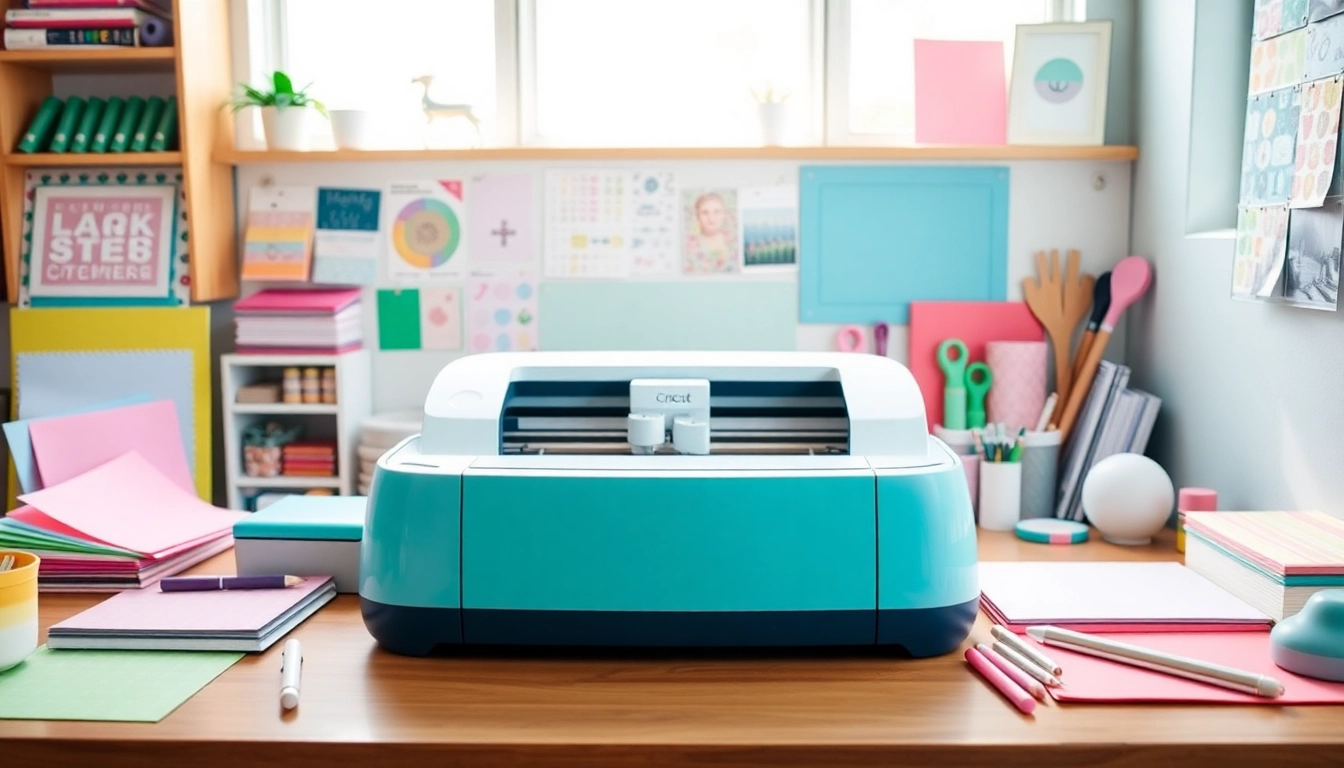
Getting Started with Cricut for Beginners
If you’re new to the world of crafting and considering diving into the realm of Cricut machines, you’re in for an exciting journey! Cricut machines have revolutionized the way creatives approach crafting, making it easier than ever to personalize projects, whether it’s for home décor, gifts, or personal use. This article will guide you through essential tips, tools, and insights to set you on the right path. When exploring options, Cricut for beginners provides comprehensive insights to help you make the most out of your crafting experience.
1. Choosing the Right Cricut Machine
Before you can start creating, you’ll need to select the right Cricut machine. There are several models available, each catering to different crafting needs and skill levels:
- Cricut Joy: Ideal for small projects, this compact machine is perfect for quick and easy tasks like card making and simple vinyl designs.
- Cricut Explore Air 2: A versatile option that offers both cutting and writing capabilities, making it suitable for a variety of projects, from stickers to intricate designs.
- Cricut Maker: The most advanced machine, designed for serious crafters. It can cut a wide range of materials, including fabric and leather, and is perfect for larger projects.
When deciding, consider your main projects and how often you plan to use the machine. Selecting the right model can greatly enhance your crafting experience.
2. Essential Tools and Materials You Need
Beyond the machine itself, a few essential tools and materials will help streamline your crafting process and elevate your projects:
- Cutting Mats: These mats come in different adhesive strengths, which help hold your material in place while cutting.
- Weeding Tools: A set of weeding tools is vital for removing excess material from your designs smoothly.
- Transfer Tape: Perfect for transferring your vinyl designs to surfaces with ease.
- Various Materials: Depending on your projects, consider purchasing vinyl, cardstock, or specialty materials like iron-on for crafting.
Having the right tools will save you time and frustration as you learn the ropes of using a Cricut machine.
3. Setting Up Your Cricut Machine: A Step-by-Step Guide
Once you’ve chosen your machine and gathered your tools, setting it up is the next step. Here’s a brief guide to get you started:
- Unbox and Setup: Carefully unbox your Cricut machine and position it on a flat, stable surface near a power outlet.
- Connect to Power: Plug in the machine and turn it on. Follow initial setup prompts on the display screen.
- Download Required Software: Install the Cricut Design Space software on your computer or mobile device. This software is essential for designing and cutting projects.
- Link Your Machine: Connect your Cricut machine to your device via Bluetooth or USB. This enables communication between your device and the machine.
- Calibrate Your Machine: Follow the prompts in the software to calibrate your machine for optimal performance.
Setting up your machine properly ensures that you’ll be able to create with precision and ease.
Understanding Cricut Design Space
Cricut Design Space is the software that allows you to create designs and projects for cutting with your Cricut machine. Understanding how to navigate this software is crucial for beginners.
1. Navigating the Design Space Interface
The interface is user-friendly and designed to help you create with ease. Here are the main features you will encounter:
- Canvas: This is where you create and visualize your projects. You can add images, text, and shapes here.
- Image Library: Access a vast library of images and designs that you can customize for your projects.
- Text Tool: Add text to your designs using a variety of fonts. You can manipulate the text in terms of size, color, and alignment.
2. Creating Your First Project: An Easy Tutorial
Let’s create a simple vinyl sticker as your first project:
- Open Design Space: Launch Cricut Design Space and select a new project.
- Add an Image: Click on the “Images” button and search for a simple shape. Click on it to add it to your canvas.
- Resize and Customize: Use the corner handles to resize your image. You can also change the color if desired.
- Prepare for Cutting: Click on the “Make It” button and follow the prompts to select material and cutting settings.
- Cut and Weeding: Load your cutting mat into the machine and begin cutting. Once done, weed out the excess vinyl.
This straightforward project will familiarize you with using the software and your machine, setting the stage for more complex projects in the future.
3. Tips for Using Design Space Efficiently
Mastering Design Space will take some practice. Here are tips to enhance your efficiency:
- Save Your Projects: Always save your designs so you can return to them later without having to recreate them.
- Use Templates: Take advantage of pre-made templates for cards, t-shirts, and more to speed up your design process.
- Utilize Layers: Understanding layers can help you build complex designs. Each layer can be manipulated individually.
Beginner-Friendly Cricut Projects
Once you’re comfortable with your machine and the software, it’s time to get creative with some beginner-friendly projects! Here are a few ideas to inspire your crafting journey.
1. Simple Vinyl Stickers and Labels
Creating vinyl stickers and labels is a great way to start. They are quick to make and useful for personalizing items around your home or office.
2. Custom Greeting Cards: Step-by-Step Instructions
Greeting cards can be customized for any occasion. Use the card templates in Design Space to design unique cards for birthdays, holidays, or thank-you notes.
3. Innovative Home Décor Projects for New Users
Begin by creating simple wall art or decorative signs. Using wood or canvas as a base, you can apply vinyl cuts to produce personalized home décor. These projects provide a satisfying avenue to showcase your creativity.
Common Challenges for Cricut Beginners
While crafting with Cricut is rewarding, beginners often face certain challenges. Here’s how to tackle them effectively.
1. Troubleshooting Common Issues with Your Machine
Common problems may include cutting errors or material not sticking. Always ensure that your cutting mat is clean and that you’re using the correct blade for the material.
2. How to Avoid Beginner Mistakes in Crafting
To minimize mistakes, always read project instructions carefully. Start with simple projects and gradually increase complexity as you gain confidence.
3. Finding Solutions through Cricut Community Support
The Cricut community is supportive and full of resources. Engage with fellow crafters on forums, social media, or local crafting groups to gain tips and troubleshoot issues.
Future Trends for Cricut Enthusiasts in 2026
As technology advances, the world of craft continues to evolve. Here are trends to watch in 2026 that may influence Cricut users:
1. Emerging Materials and Techniques
We can expect to see an increase in eco-friendly materials and innovative cutting techniques. Researching the latest options will help you stay ahead in your crafting game.
2. Integrating Technology with Your Crafting
With the integration of AI, crafting software like Design Space may become more intuitive, allowing for smarter design options and easier user experiences.
3. What to Expect in the Cricut User Community
The Cricut community will likely see growth with more workshops and online classes, helping beginners to experts alike improve their skills and learn new techniques.